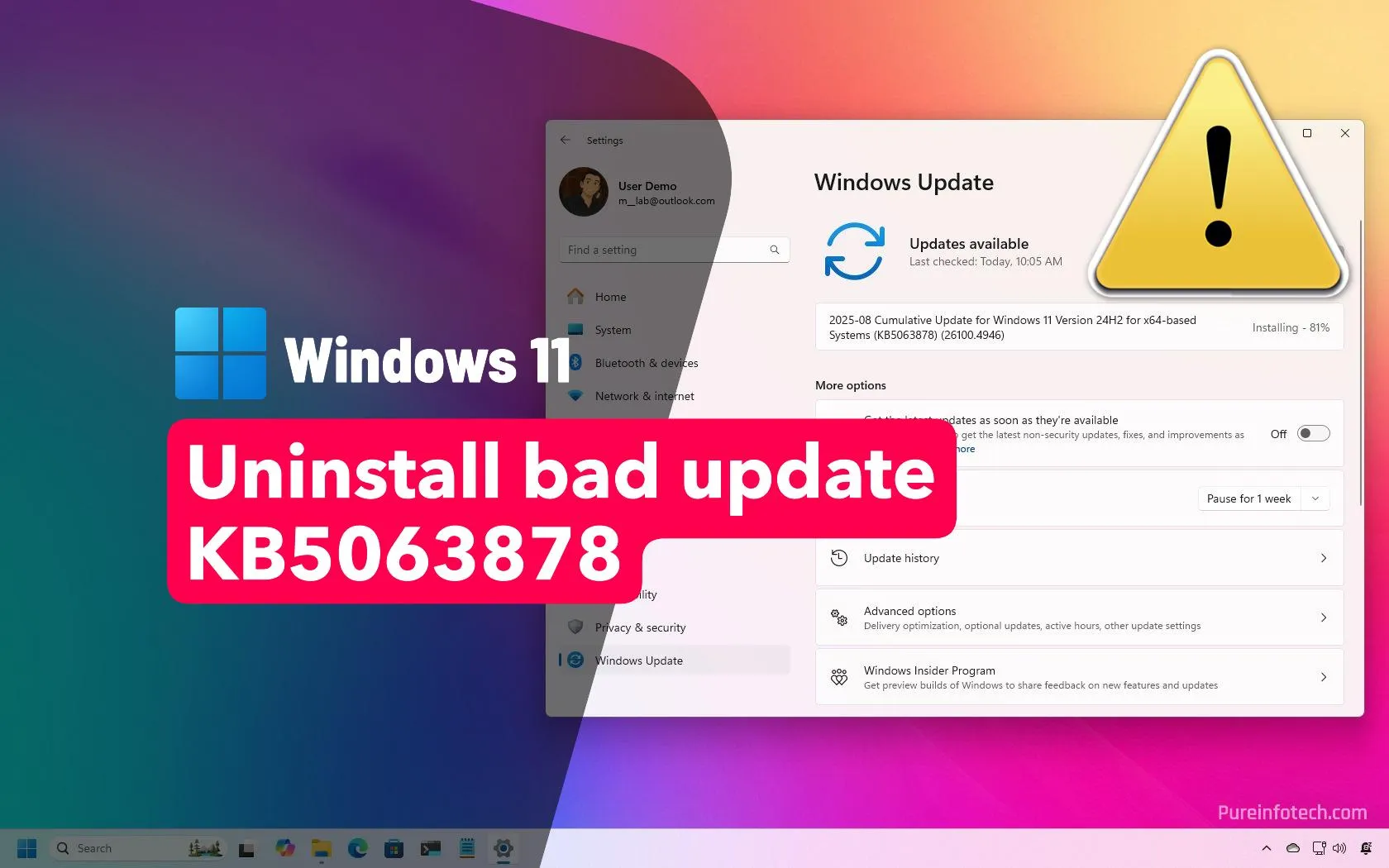
Many IT professionals are raising alarms about the latest Windows 11 update, KB5063878, which is reportedly causing serious storage problems.
Users have reported that after installing the update, hard drives and SSDs are vanishing from the system, losing their formatting, and in some cases all stored data disappears.
Multiple tech outlets and user reports highlight:
- Drives suddenly disappearing after the update
- File system corruption leading to inaccessible data
- Increased risk for SSD users in particular
Critical Story Update
Many IT professionals, including myself, previously raised alarms about the Windows 11 update KB5063878, citing serious storage problems such as hard drives and SSDs vanishing, losing formatting, and data disappearing after installation. However, recent information from Microsoft indicates that their in-depth investigations found no direct connection between the update and these hardware failures. Internal tests and collaboration with SSD manufacturers found no evidence linking KB5063878 to SSD corruption, suggesting the reported issues may be rare, isolated incidents or coincidental with other factors like heavy disk usage during large file transfers. Overall, data now indicates that the storage problems attributed to KB5063878 are likely not caused by the update itself.
Microsoft issues a fresh statement on Windows 11 update SSD corruption reports
Microsoft issues a fresh statement on Windows 11 SSD corruption reports, denying that a recent update is at fault.
Microsoft is investigating Windows 11 KB5063878 SSD data corruption/failure issue
Microsoft told Windows Latest that it’s investigating reports of SSD data corruption/failure after Windows 11 KB5063878.
Windows 11 KB5063878: SSDs Vanish Under Heavy Writes — What You Need to Know
Microsoft has acknowledged an active investigation after multiple community researchers, test benches and SSD vendors reported that the Windows 11 August cumulative (commonly tracked as KB5063878, OS Build 26100.4946) can cause certain SSDs to vanish from the operating system during sustained…
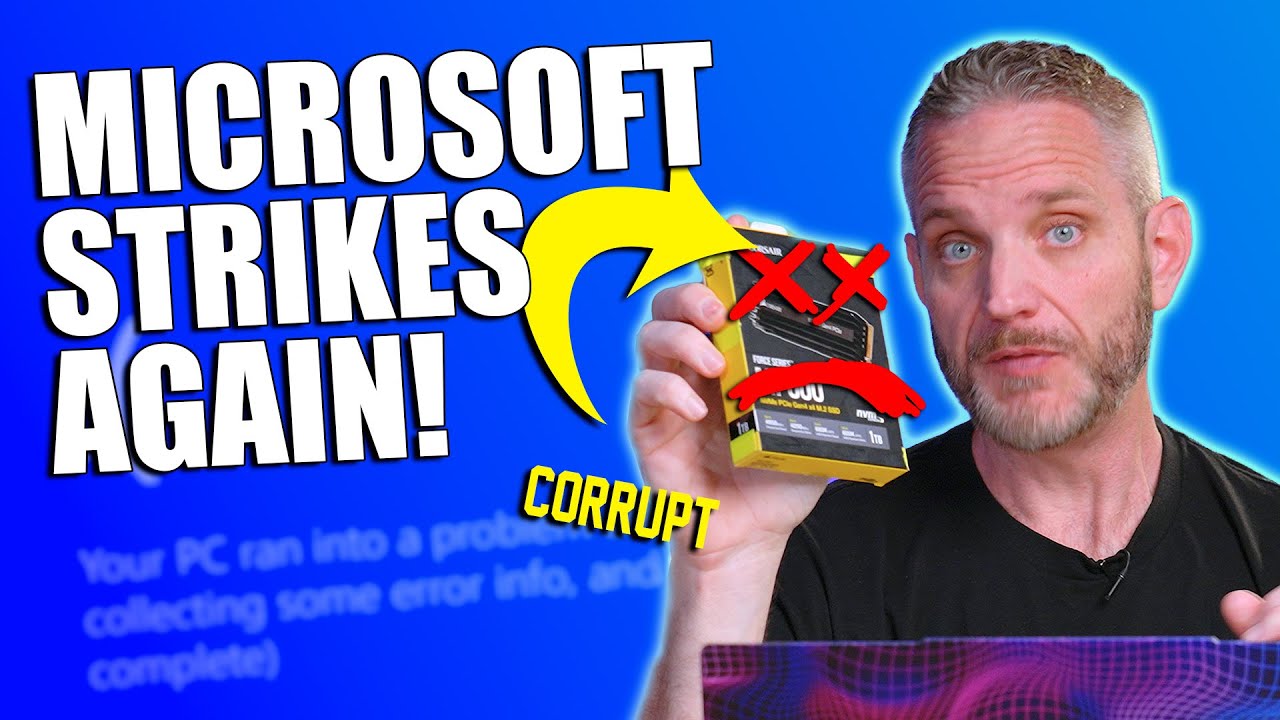
The Windows 11 Update That’s Killing Hard Drives
Would you believe it if I told you a Microsoft update is destroying data on hard drives? Let’s dive in!Special thanks to some OG’s for getting this informat…
Windows 11 causing SSDs to disappear, uninstall KB5063878 to prevent this issue
Uninstall KB5063878 update to protect your PC from SSD disappearing issue and fix potential data loss on Windows 11 24H2.
The Latest Windows Update is Killing SSDs (Reportedly) - Consider Rolling Back
This is really bad if true...▼ Time Stamps: ▼0:00 - Intro0:27 - The Problematic Update1:52 - Consider Rolling Back The Update2:34 - How To Uninstall The Upda…
Important warning about the latest Windows Update - do not install!
A recent Windows update has caused major problems for SSDs running on Phison controllers. Users are reporting crashes, slowdowns, and even drives disappearin…
Windows Update Causes Disk (SSD) Corruption! Do not install it before seeing this important info...
Dave explains the new Windows Update that is causing disk corruption on the writes of large files as a result of KB5063878.Get a Mesmerizer Kit: https://www…
and many, many more!
Meanwhile, people are reporting that Microsoft has officially denied that this update is to blame, stating they found no link between KB5063878 and such failures (I have been unable to find any official statements from Microsoft indicating this however). However, many feel that Microsoft has a history of downplaying or delaying acknowledgment of major issues.:
Microsoft says recent Windows update didn’t kill your SSD
Microsoft has found no link between the August 2025 KB5063878 security update and customer reports of failure and data corruption issues affecting solid-state drives (SSDs) and hard disk drives (HDDs).
One thing is for sure, 17 days and counting after the release (2025-08-12) of the problematic update, Microsoft has yet to do anything to help matters.
As for me specifically, recently for the past couple of weeks my PC often starting revving up, CPU going through the roof, fans engaging in turbo mode to cool the system down (this is a VERY uncommon occurrence on my PC). I now often see the ‘Microsoft Windows Search Indexer’ at the top of my process list intensively hitting my CPU, RAM & Disk resources. I don’t remember this ever being top of my process before.
Also, I uninstalled the update in question, rebooted, waited and then went back into Windows Updates and the update is still listed and the uninstall option is gone?! So Microsoft strikes twice with the same update!!! So apparently, in my case at least, there appears to be no way for me to uninstall it (I’ve seen others reporting the exact same behavior). I’m going to have to do more research, maybe PS can help me out here.
What To Make Of All Of This?!
I know this can be difficult to know who to believe.
When there are so many reported cases and so many people are sounding the alarm, I tend to believe them. Microsoft is notorious for downplaying issues.
My recommendation would be to avoid or rollback the update especially if you have a SSD!
If you don’t feel comfortable doing that, then please perform regular full backups of anything on your hard drive(s) that is important so you can recover should the worst occur!