Just sharing my personal experience in case it might help others.
I have employed Virtual Machines for a long time now, easily 10+ years. It is the way to work, no question about it!
I started out using Microsoft Virtual PC back in the days of Windows XP. At some point in time, and I’m sure I had a good reason for it (probably when Windows stopped supporting Virtual PC), I purchased and started using VMWare’s WorkStation and have been doing so for years now. I started with V12 and upgraded to V14, V15.
I have 1 VM in particular that I found painfully slow. Over the years, I’ve spent countless hours trying to better its performance. I’ve posted questions online, tried this and that, and sadly, never managed to make much of a dent into performance tuning it in any significant manner.
I was contemplating upgrading to VMWare WorkStation V17 and so I tried the free 30-day trial to see if a newer version had improvements that could help. Sadly, there was no change, at least nothing noticeable.
So, I decided to give Oracle’s VirtualBox (link below) another go (I had briefly tried it several years ago). In a matter of a couple of minutes, I was able to convert my VMWare virtual machine to ovf format and then import it into VirtualBox.
At first I was worried as it wasn’t any better, but once I installed the Guest tools things seemed to get much better.
All I can say now is that the performance is simply night and day! I have no clue why, but it is!!!
1 issue I have found is that my Windows 10 machines do not seem to get converted/imported properly and simply won’t start. This is something I’m still looking into, but I got the most important VM up and running. Problem solved, the conversion to ovf and import in VirtualBox didn’t keep the EFI setting. Once I restored it in the settings my Win10 VMs boots up just fine.
Now this isn’t to say VirtualBox will solve all performance issues, but rather I’m simply trying to illustrate to try new things and see if an alternative may hold some improvement over your current setup.
Something to Explore Down The Road
As a side note, I also need to find a few minutes to try and test out:
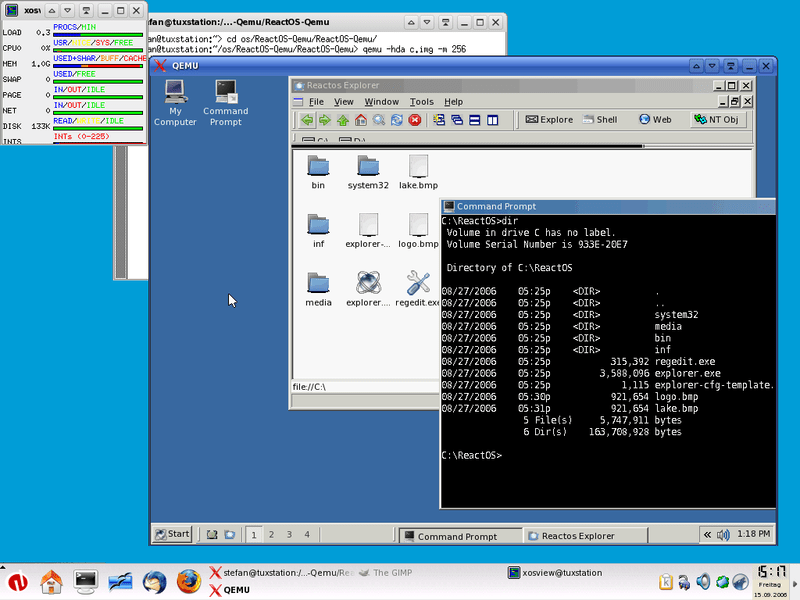
If anyone has experience with it, please let me know your experience by dropping me a comment below.
I also have been running Windows on VMware on Ubuntu for many years. A few thoughts:
– VMware’s slowness may chiefly be attributable to how it implements host file sharing. Turn it off and use Samba instead. Not only is it far faster, but also one can serve files to other clients on your LAN. VMware’s greater challenge is its absence of Wayland support.
– VirtualBox has its merits but my impression is that it’s relatively lightweight. E.g., its virtual networking is not readibly configurable.
– KVM/QEMU is The Way. I have yet to earn that merit badge, however. The chief difficulties, in my view, are its default reliance on NetworkManager and its gratuitous injection of iptables rules, the latter of which are more likely than not to conflict with those otherwise implemented. Far better to turn that all off, configure the host as the router, and use systemd-networkd to configure the virtual network. I’m currently fiddling with the latter and LMK if you find any worthwhile tutorials.
– You’ll want the host’s firewall to be up to this. Use iptables to restrict inbound and outbound traffic, limit SMB services to your virtual and LAN subnets, and otherwise obscure the host’s visibility.
– The chief reason to virtualize Windows is to sandbox its bad behavior. So, start with a well-scrubbed and -configured Windows VM, update it annually, and then only implement instances/copies/clones of it. Then, when one has to take Windows out back, tie it to a tree, and shoot it, as one does from time to time, the good puppy (or its clone) will be up and running in minutes instead of days.
– Ubuntu can be notoriously unstable. It took me three months last year to get v. 22.04 to boot consistently. In what likely is the most sublime failure in the history of software publishing, the Ubuntu Server 22.04 installer would not even boot. The lesson is to identify and manage technical risks. Consider moving file services to other hardware. Have a fallback Windows workstation. Implement multiboot on production machines so as to leave a functional host intact while laboring to bring newer versions to heel. Of course, the latter contemplates /home and /srv being on non-boot partitions.
HTH
Thank you for sharing all of this knowledge!
Windows OS’ are resource hogs! Tweaks to improve VM performance, if you haven’t already done so, are to use a fixed size virtual disk versus a dynamically expanding one, allocate as much memory possible to the VM, use a bare metal hypervisor versus Windows or Linux hosts.
We have successfully implemented hybrid desktop/web systems where Access FE’s on workstations and a customer web portal share a PostgreSQL db that lives on a KVM hosted by an OpenSuSE Linux server. We segregated the nginx web server into its own KVM, the web portal into another, Samba, etc. You can even throw a native Access BE into a separate KVM and the FE’s can link to it. Works like a charm!
Thanks. In my case it’s not a resource issue.
I don’t know if you already tried Proxmox, but you might want to give it a shot
It has been a very reliable Hypervisor for me for the past 2 years
It might be not enough for big Datacenters but for homelabs and small/medium business it works like a charm
Nope. Never heard of it, never come across it. Thanks for sharing something new to learn about!
In case anyone else is reading this and curious like I am, here’s a link: https://www.proxmox.com/en/ (it free open-source, but you can buy extra services if desired).