This is a long overdue post to praise Snagit from TechSmith.
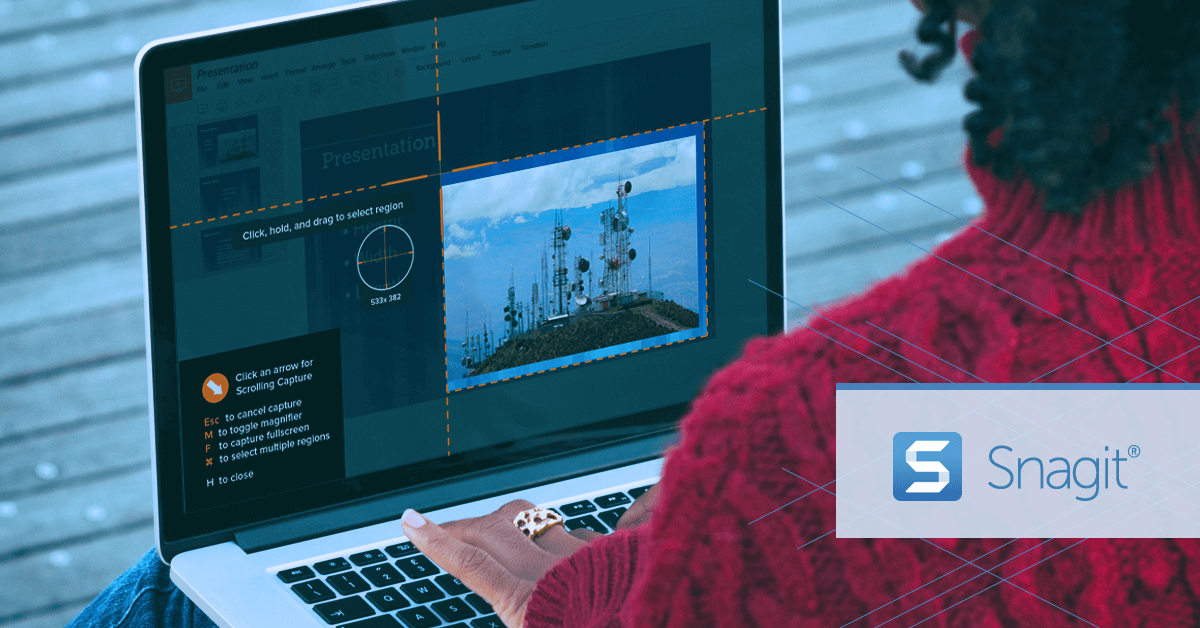
As an Microsoft Access MVP, I have been privileged to get a free NFR license of Snagit. After many years of use now, I think I owed it to TechSmith to publicly post my praise of their software.
What is Snagit?
For those not already familiar with the product, Snagit is a software that enable you to take a screenshot and then work with it (annotate, save under different formats, and much more).
Snagit’s Components
Snagit is basically 2 applications/components:
- Screen Capture Tool
- Snagit Editor
Capture Tool

The Screen Capture Tool is very simple tool and you can choose whether to simply place the image in memory (Clipboard) or open it directly in the Snagit Editor. You can add a delay (say to allow you to activate a menu). You can capture a scrolling window (think webpage).
At the end of the day, it is easy and intuitive to use!
Snagit Editor

One of the impressive aspects of Snagit is that it isn’t just a Screen Capture application, it also comes with a full image editor enabling you to resize, annotate, … the image and then save it in a wide range of different formats. Furthermore, Snagit has built-in sharing capabilities to upload your images to all sorts of online libraries, such as: FTP, Google Drive, DropBox, …
So at the end of the day, Snagit is a one stop application from grabbing an image, editing it and saving it in the needed format.
I have found it to be an exceptional tool for providing support to users in forum, creating documentation, illustrating things in e-mails and so much more.
Best of all, if you think this could be of interest to you, take a look at their Free Trial Version and take it for a test run.

But We Have The Microsoft Snipping Tool!
Oh no my friends, there is simply NO comparison!
The Snipping Tool may be good for a quick and dirty image, but it in no way allow for the control of capturing the image, nor the editing power that Snagit provides. They’re not even on the same playing fields.
The Snipping Tool is all freehand drawing which just isn’t very professional. The Snipping Tool cannot do scrolling captures (webpages for instance). The Save function is very limited when compared to Snagit, very limited.
Snagit, has capabilities like fonts, shapes, callouts, arrows, colors, transparency, layering/levels, and so much more. Snagit also has an image library to manage all your clips so you can easily retrieve them at any point in time and continue where you left off.
Completely agree. SnagIt is slicker than whale-poop.
As an MS Access developer, have used SnagIT for years.
It is useful to communicate with clients by grabbing a screen shot of a form or report, making annotations to the screen grab, then sending to the client as image in Outlook message.
It is particularly easy to size images for printing and setting other print paramaters such as orientation, paper size, etc.
A recently added feature I use a lot is the drag and drop which allows me to merge captures into one image.
Handy to grab code snippets to print and analyze on paper rather than staring at the screen.
…
It’s a “go to” product for me.
Love SnagIt. Even got Camtasia as I’ve now started to develop videos.