
Yep, another round of updates, another database issue. This time it’s a doozy potentially breaking Microsoft ODBC SQL Server.
Database connections using Microsoft ODBC SQL Server driver might fail.
Apps using ODBC connections might fail to connect to databases.Microsoft
Apps using ODBC connections might fail to connect to databases.Microsoft
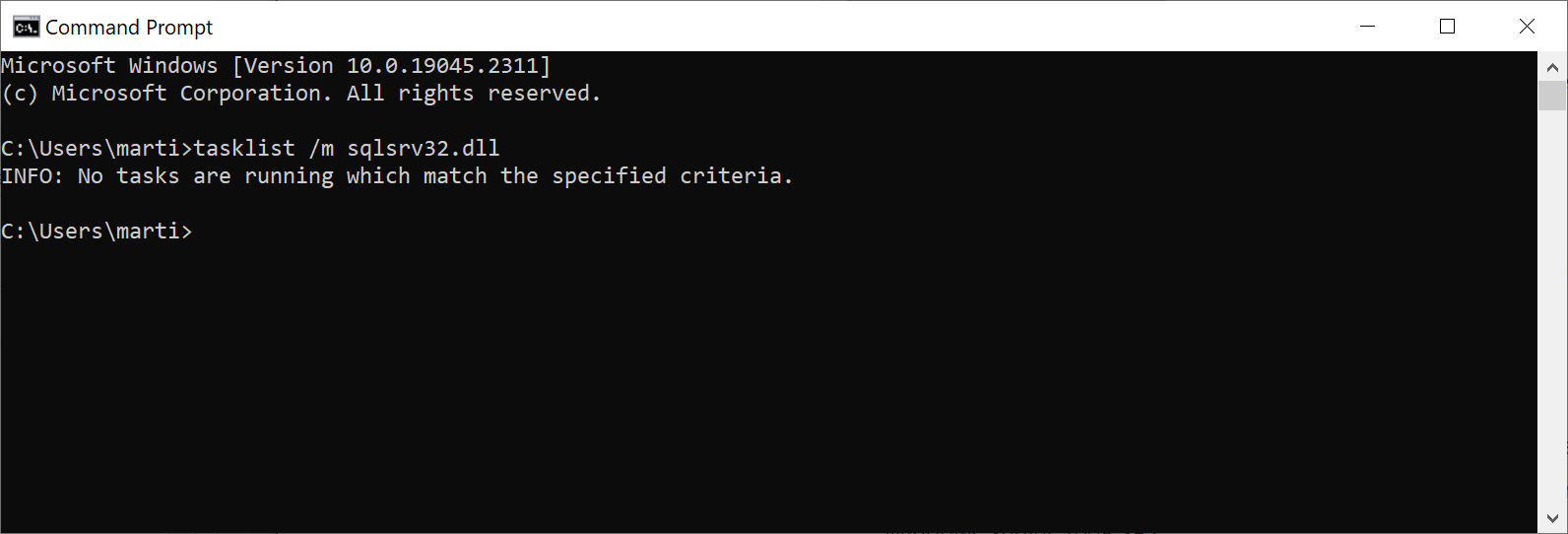
After installing KB5019980, apps which use ODBC connections utilizing the Microsoft ODBC SQL Server Driver (sqlsrv32.dll) to access databases might fail to connect. You might receive an error within the app or you might receive an error from SQL Server, such as “The EMS System encountered a problem” with “Message: [Microsoft][ODBC SQL Server Driver] Protocol error in TDS Stream” or “Message: [Microsoft][ODBC SQL Server Driver]Unknown token received from SQL Server”.Microsoft
There are numerous threads and articles as this is hitting people hard.
Microsoft confirms Windows database connection issues - gHacks Tech News
Microsoft confirmed that client and server versions of its Windows operating system are affected by a database connection issue.

Microsoft confirms problems with some Windows apps due to database connections issues
Microsoft has confirmed November 2022 Patch Tuesday updates cause troubles in some applications that use ODBC connections to access databases. The bug affects client and server Windows 10 and 11.
So rollback, or block until things get sorted out.
No, I’m not starting to track bugs again! This is more of a public service announcement!
Update 2023-01-06 – Microsoft’s Workaround
Microsoft has provided a workaround, so read the following for all the details:

Windows 11, version 22H2 known issues and notifications
View announcements and review known issues and fixes for Windows 11
but the paragraph of particular interest is:
Workaround: To mitigate this issue, you can do one of the following:
- If your app is already using or able to use Data Source Name (DSN) to select ODBC connections, install Microsoft ODBC Driver 17 for SQL Server and select it for use with your app using DSN. Note: We recommend the latest version of Microsoft ODBC Driver 17 for SQL Server, as it is more compatible with apps currently using the legacy Microsoft ODBC SQL Server Driver (sqlsrv32.dll) than Microsoft ODBC Driver 18 for SQL Server.
- If your app is unable to use DSN, the app will need to be modified to allow for DSN or to use a newer ODBC driver than Microsoft ODBC SQL Server Driver (sqlsrv32.dll).Microsoft
This is HUGE
Indeed. Just another Patch Tuesday with Microsoft, nothing new!
How did that one get by? Don’t they do any testing at all?