With the latest fiasco coming out of Redmond with their most recent update deleting people’s profiles, documents, … it got me thinking about where we are in 2018. If we were in 1980, I’d say one doesn’t have many viable options and you’re stuck with your problems, but that simply is no longer true in the least! As such, I thought I offer some options for you to consider should you decide you are fed up with the never ending bugs and updates with bugs pouring out of Microsoft and their complete lack of respect for their users. You can read more, if you so wish:
- An open letter to Microsoft management re: Windows updating
- An Open Letter to Microsoft About Poor Windows 10 Update Experiences
- Windows 10’s buggy updates force you to choose between security and stability, says user group
- Microsoft shows that it does not really care about user feedback
Microsoft Windows Alternatives
On this front there are a couple choices:
Switch over to Apple/MAC
I bought an Apple for my wife a few years back (tired of the never ending Windows updates). The thing always works! We’ve never experience a single problem in 6+ years now. That said, you are simply switching from one multinational corporation to another and you are paying a hefty price for a name brand. Also, you can’t just download and install Apple, right! You have to buy their Hardware. So the switch requires a complete change of both hardware and software.
Install a Linux distribution
Here’s a great option for most people, Linux. Linux comes in different flavors, called distributions. I setup a PC for my parents with Ubuntu on it. Linux has come a very long way from where it once stood and now, for most people, they wouldn’t be able to tell the different between Windows and Linux. A distribution like Ubuntu is Free (no strings attached) and is more than sufficient for the average user. The beauty here is you can download the installer and reformat a PC in a few hours and be back up and running in no time!
Microsoft Office Alternatives
Here too, there are a plethora of choices, such as:
Open Office

Libre Office
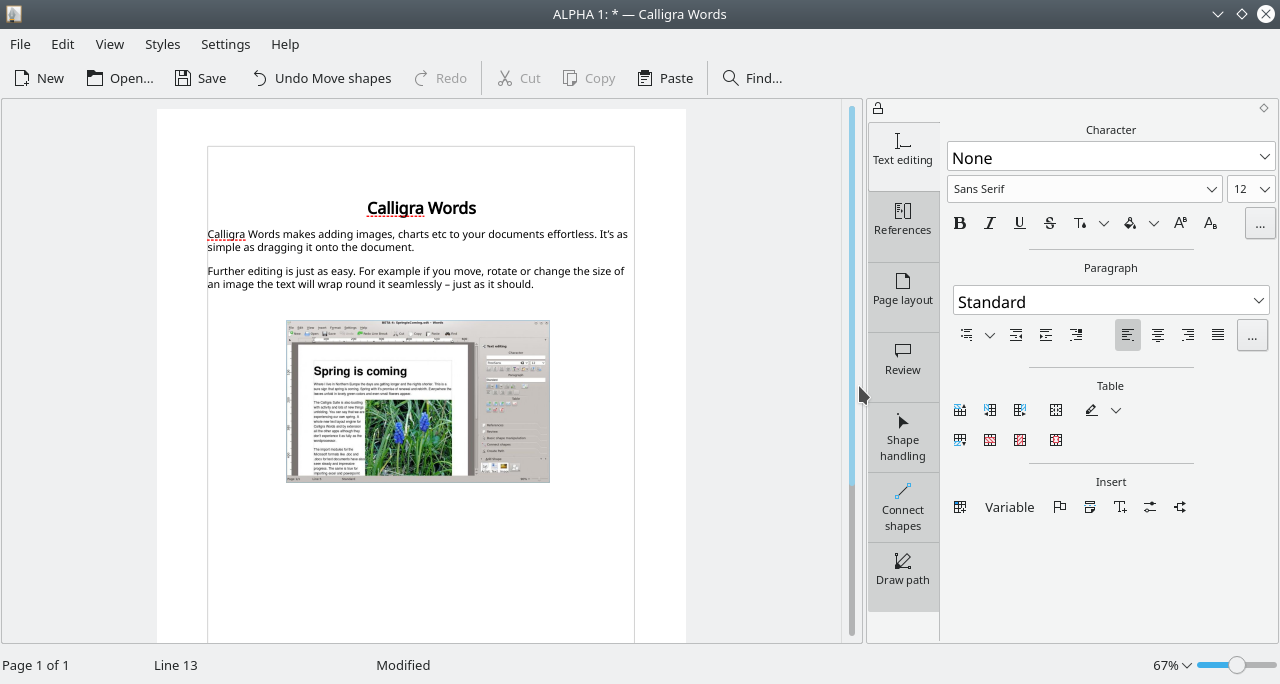
Calligra
WPS Office

Google Docs

Each presents a multitude of pros and cons that you will have to judge for yourself, but I’ve setup numerous clients with Open Office and they have been running their businesses successfully for years.
I’d also like to add that compatibility between the file formats has drastically improved over the years and now documents, spreadsheets, … can go between systems without any issue.
Don’t forget you can even install any of the Office alternative side-by-side and take them for a test drive before committing!
E-mail Clients
One note regarding E-mail clients. Office comes with Outlook, as you are aware, but many alternative suite do not include an e-mail client, so what are you to do? There again, a great many alternatives exist, but one that I have used extensively without issue has been Mozilla’s Thunderbird (same company that offer FireFox web browser a great alternative to Windows Internet Explorer/Edge).

Conclusion
In today’s marketplace, there is simply no longer any reason to endure the on sloth of non-stop buggy updates (Windows and Office alike) coming out of Redmond. The drastic drop in quality of Microsoft products in the past few years is now jeopardizing business operations and data and has now put users, IT personnel, business owners alike in a precarious position deciding between staying up-to-date but full of bugs vs. not updating their software and leaving known flaws unaddressed. I used to preach for Microsoft products to my clients (they used to be leaders/innovators and set the standard for software development), but can no longer do so with the subpar software currently being released.
If you are tired of the never ending updates, and problems with both Windows and Office and wish to send a clear message to Microsoft, then the only option is to switch. Everything else falls on deaf ears when it comes to Microsoft sadly. The switch can be a very easy one and isn’t like it once was back in the 80’s. There are other benefits too, like reduce/elimination of viruses for instance!
For instance, you could install Ubuntu and Open Office (one possible setup amongst many) and rid yourself completely of Microsoft and these never ending problems. This would most probably be the setup I’d recommend to most home/personal users.
Don’t let the fear of the unknown stop you.
what about access applications? is there any chance to run an access application on platform other than ms office?
For Microsoft Access databases, you’d need to use another front-end technology. Access doesn’t run on MACs or Linux and you’d have to create a VM, dual boot, … to run Windows and Access inside an alternate OS. That said, Open Office does have their database called Base that is worth taking a look at.
FileMaker Pro is another good alternative to Access. It runs on Windows, MacOS, iOS and Android devices and can also be used as a web based application.
https://www.claris.com/filemaker/pro/
It is, but it is expensive.
It starts (I emphasize the word starts!) at $19/month/user and that adds up very quickly. I think of one of my clients with 80 or so users, that’s $1520/month! Beyond which the basic plan would never suffice, so it would actually be considerably more expensive. Much better off, IMHO, developing a proper web app, not be attached at the hip to any 3rd party! Yes it is an initial investment, but you have stability, you own the solution (do as you please) and in the medium to long term you save $$$.